Procheiron
Plegma
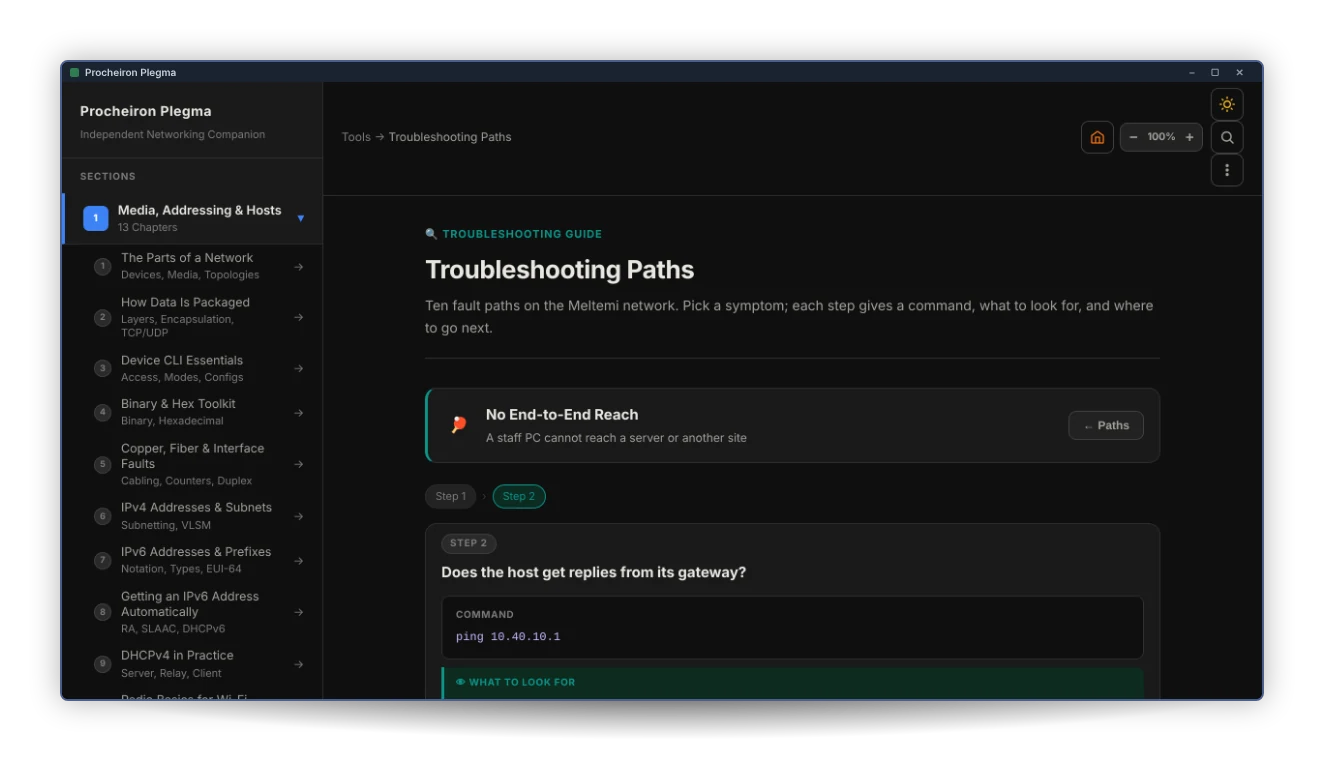
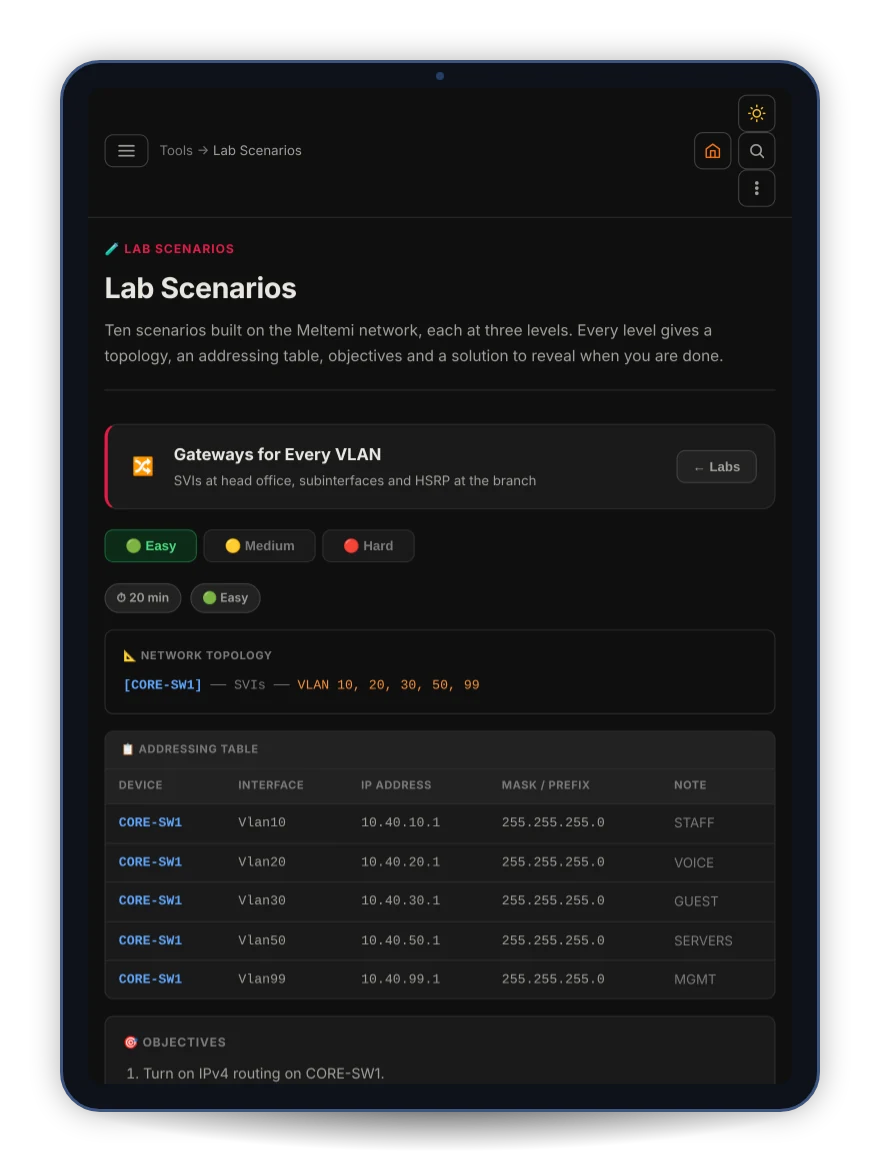
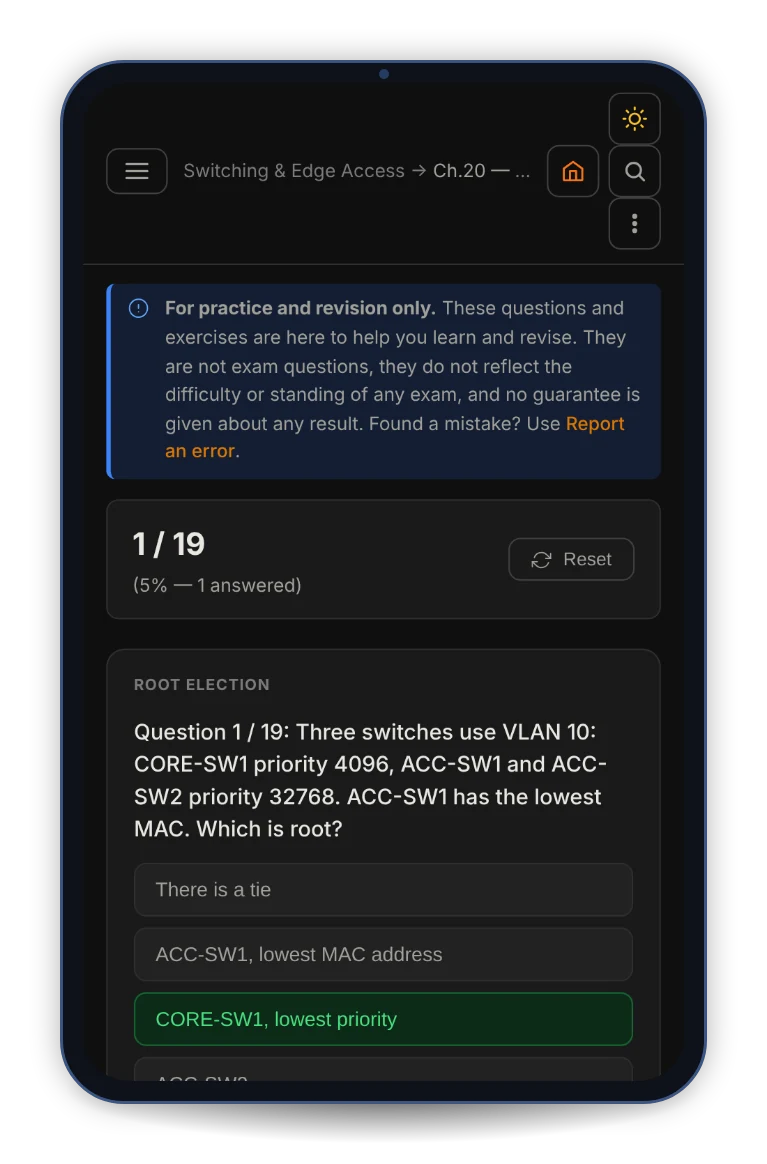
An independent, bilingual networking companion. Theory, Commands, Q&A, Exercises and Labs — 45 chapters, 664 exercises, 30 labs, fully offline.
Which version is right for you?
Same app, two ways to get it. Pick the one that fits the devices you use.
Only Apple devices?
Get it on the App Store. One purchase covers your iPhone, iPad and Mac, on every device signed in with your Apple ID.
Windows, Linux, or a mix?
Buy a license directly from us. One key activates on up to 3 devices, in any combination of Windows, macOS and Linux.
On Android, get it from Google Play. App Store, Google Play, Microsoft Store and direct licenses are separate purchases and cannot be transferred between them.

Windows direct download: on first run, SmartScreen may show “Windows protected your PC”. This is normal for independent software — click More info → Run anyway. Prefer an install with no prompt? Get it from the Microsoft Store.
Linux — .deb (Ubuntu, Debian, Linux Mint): double-click the file to open it in your software installer, or run sudo apt install ./Procheiron-Plegma-1.0.0-linux.deb in the folder where you saved it. The app then appears in your applications menu.
Linux — AppImage (most distributions): no installation needed. Right-click the file → Properties → Permissions → tick Allow executing file as program (or run chmod +x Procheiron-Plegma-1.0.0-linux.AppImage), then double-click it. If it does not start, install FUSE with sudo apt install libfuse2. To add it to your applications menu, you can use AppImageLauncher.
More Procheiron apps coming soon
Stay tuned.